
Creating your account
Before you can use Maskifi you need a Maskifi account. This page covers registration, email verification, and signing in for returning users.
Register a new account
- Open Maskifi. On the sign-in screen, click Register (or navigate to maskifi.app to sign up on the web).
- Fill in the registration form:
- Email — your email address (used for sign-in and notifications).
- Username — a display name. Maskifi pre-fills this from your email address; you can change it.
- Password — must be at least 8 characters and include an uppercase letter, a lowercase letter, and a number.
- Confirm password — re-enter your password to confirm.
- Invite code — optional. If you received an invite code, enter it here.
- Click Create account.
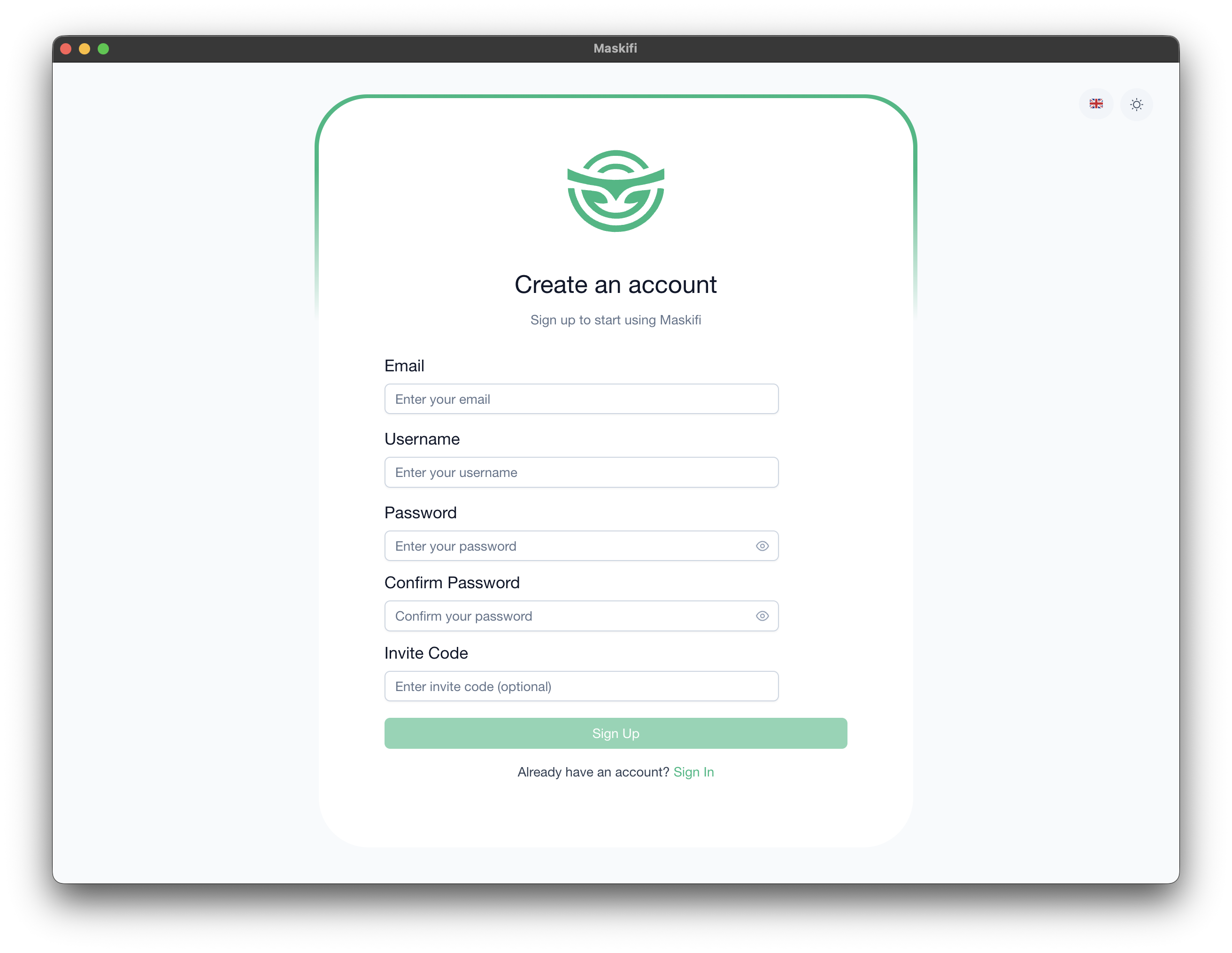
If there is a problem with your invite code or email, an error message appears below the relevant field.
Verify your email
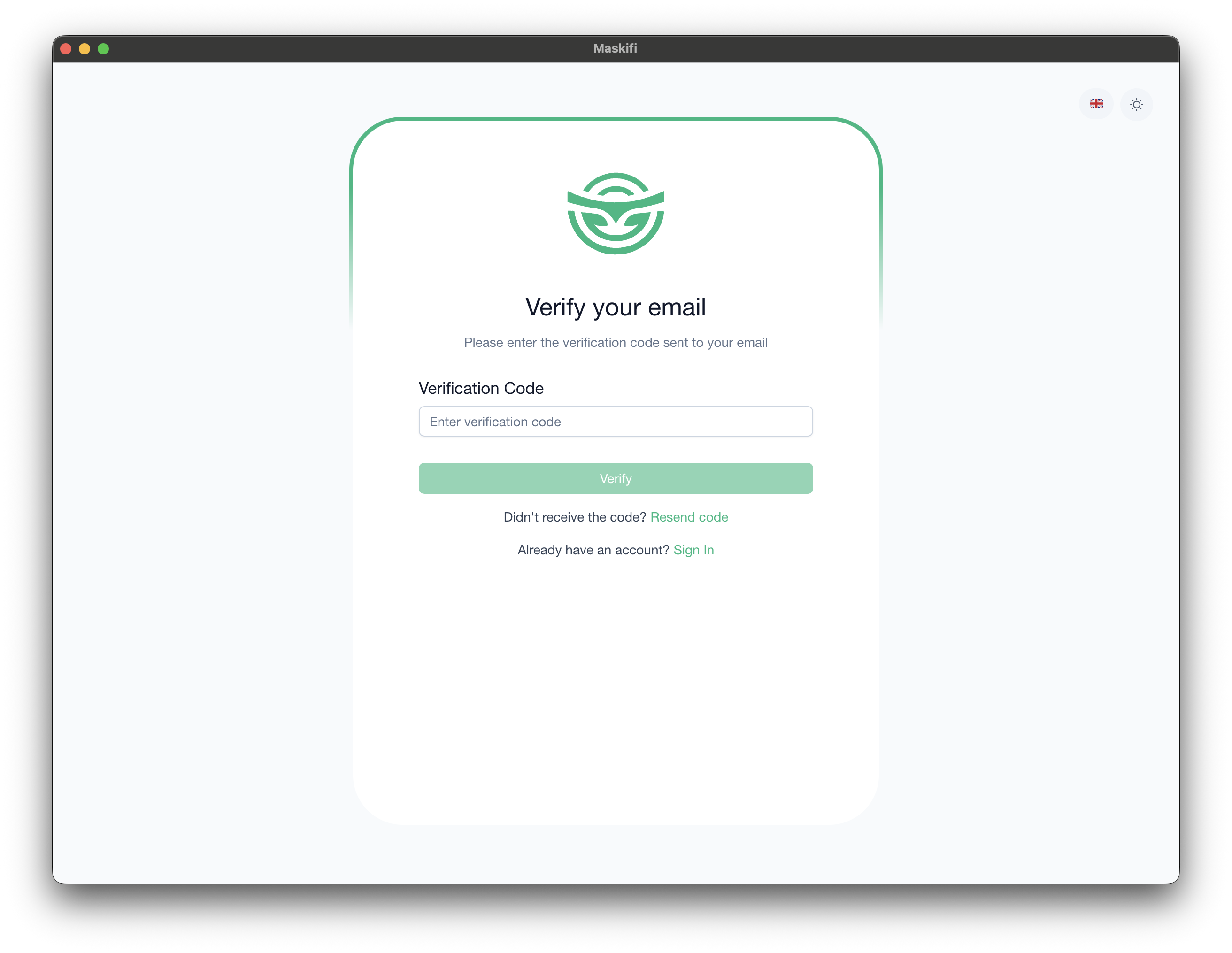
After registration, Maskifi redirects you to the Email verification screen and sends a verification code to the email address you provided.
- Check your inbox for a message from Maskifi.
- Copy the verification code from the email.
- Paste or type the code into the Code field and click Verify.
Didn't receive the code? Click Resend code on the verification screen. Check your spam folder if it does not arrive within a few minutes.
After successful verification, Maskifi automatically moves you to the Encryption setup step.
Sign in to an existing account
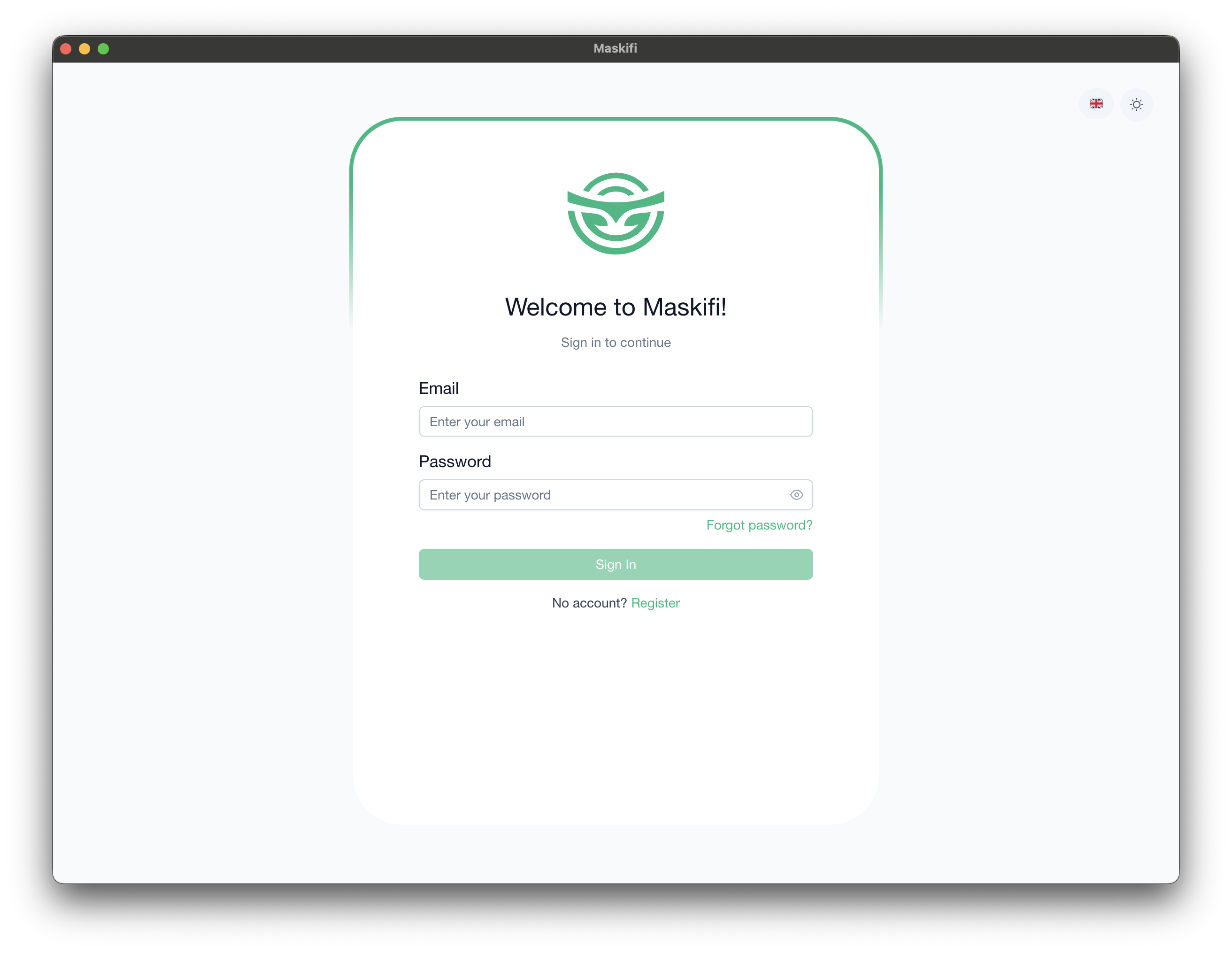
- Open Maskifi. The sign-in screen appears.
- Enter your Email and Password, then click Sign in.
- If your access is remembered on this device, Maskifi unlocks automatically and takes you to the main screen.
- If not, you are taken to the recovery phrase screen to unlock your data.
Forgot your password? Click Forgot password? on the sign-in screen to begin the password reset flow.
Account pending activation
If you try to sign in before verifying your email, Maskifi detects the pending activation and redirects you to the verification screen automatically. Complete email verification and you will be signed in.