
Transferring & sharing
Profiles within a team
All profiles created in a team context are already accessible to team members according to their permissions and group access. There is no separate "share" step — a profile in a team's group is visible to any member who has access to that group and the Launch profiles permission.
To control which profiles a member can see, use group access settings. See Members & roles for how to configure per-member group access.
Transferring profiles to another user
A transfer moves one or more profiles from your team to another Maskifi user (for example, a different team or an individual). After the transfer is accepted, the profiles belong to the recipient's team and are no longer in your team.
Transfers require the Transfer profiles permission.
What can be transferred
- Profiles that are not currently running (status is not
activeorstarting). - Profiles that do not already have a pending outgoing transfer.
You can select multiple profiles and transfer them in a single operation.
How to initiate a transfer
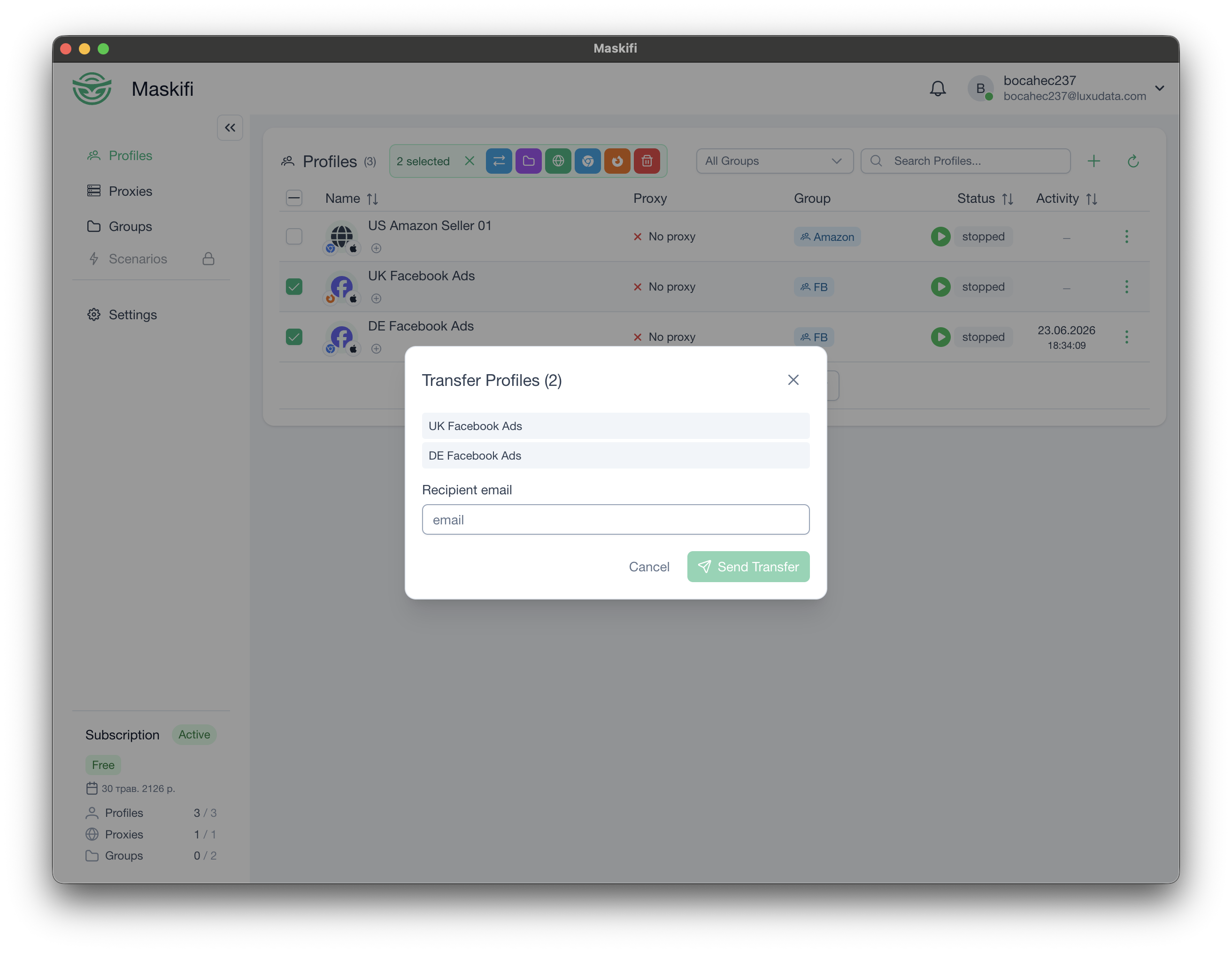
- In the Profiles list, select one or more profiles using the checkboxes.
- Click the Transfer button in the bulk action toolbar.
- Enter the recipient's email address (the email they use for their Maskifi account).
- Click Send.
The transfer is created and shown as pending on the sending side (marked with a badge on each affected profile). The profiles cannot be launched while a transfer is pending.
To cancel a pending outgoing transfer, find it in the outgoing transfers list and click Cancel.
How the recipient accepts
When a transfer arrives, the recipient sees a notification and can Accept or Decline it.
- Accept: The profiles move into the recipient's selected team. Encryption is handled automatically.
- Decline: The profiles remain in the sender's team and the pending badge is cleared.
Encryption during transfer
Transfers are end-to-end encrypted. Profile data is never exposed to the server in plaintext during a transfer.
This means:
- The recipient must have encryption set up to accept a transfer.
- The transfer payload on the server is encrypted and cannot be read by Maskifi.
See Team encryption keys for background on how team keys work.