
Change IP / rotation
Some proxy providers let you change a proxy's IP by calling a URL they give you. Maskifi supports this through the optional Change IP URL field on a proxy — the only thing you enter is that URL.
Setting the Change IP URL
- Open Proxies → create a new proxy or edit an existing one.
- Find the Change IP URL field (labeled URL that will be used to change your IP address).
- Paste the URL your proxy provider gave you for changing the IP.
- Click Save.
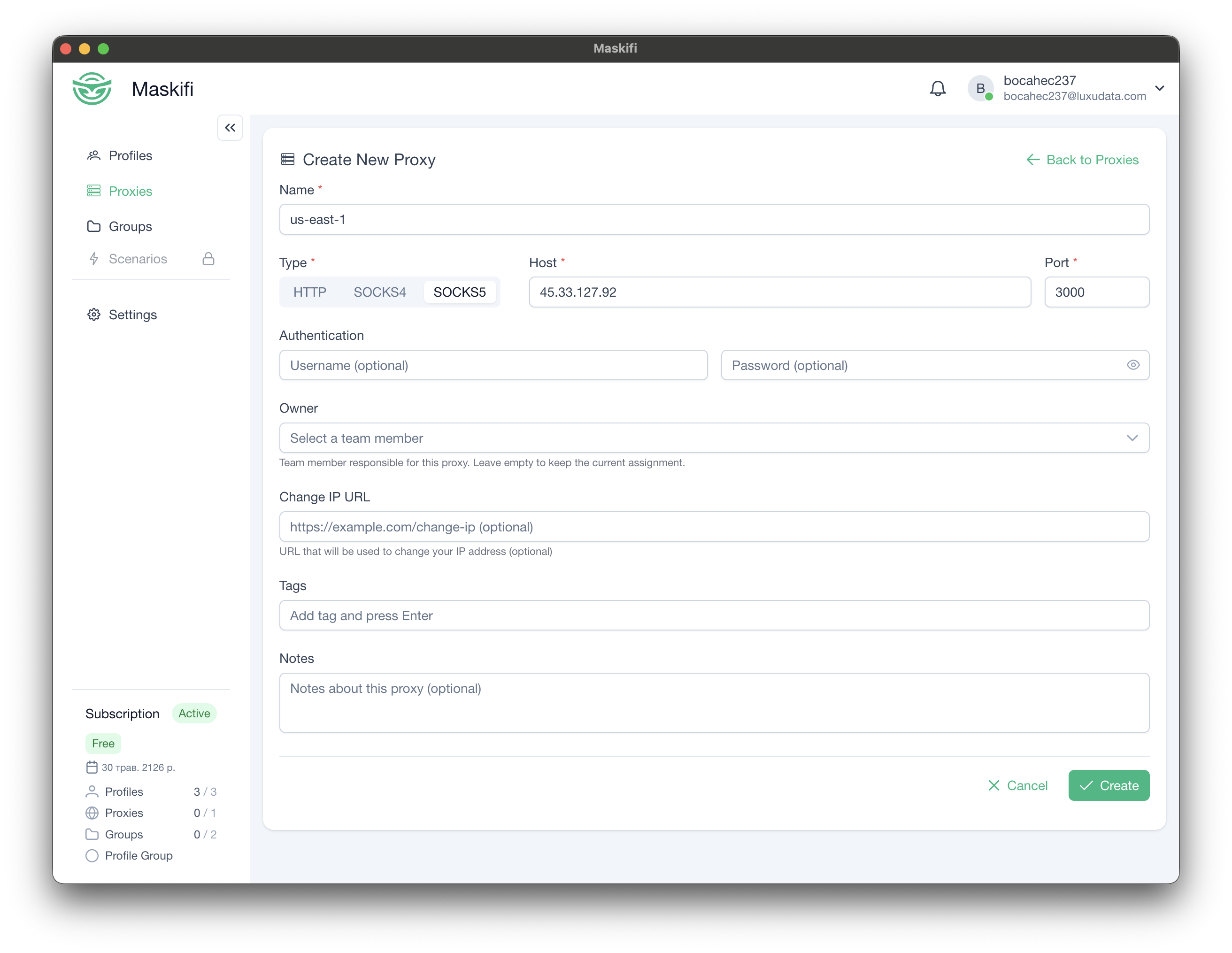
If your provider doesn't offer such a URL, leave the field empty.
Using it
Once saved, Maskifi uses this URL to request a new IP from your provider. After an IP change, click the proxy's test button to confirm the new external IP.