
Overview & types
In Maskifi every browser profile is fully isolated — it carries its own fingerprint, cookies, and local storage. Adding a proxy to a profile completes that isolation at the network layer: each account then appears to originate from a different IP address and geographic location, so websites cannot link profiles by shared IP.
Why proxies matter
Without a proxy, all profiles on the same machine share your real public IP. A service that monitors account activity can trivially correlate them. Assigning a dedicated proxy to each profile means:
- Each profile exits from a distinct IP and country.
- Sessions look like independent users on independent devices.
- Geo-restricted content or account rules are enforced per the proxy location.
Supported protocol types
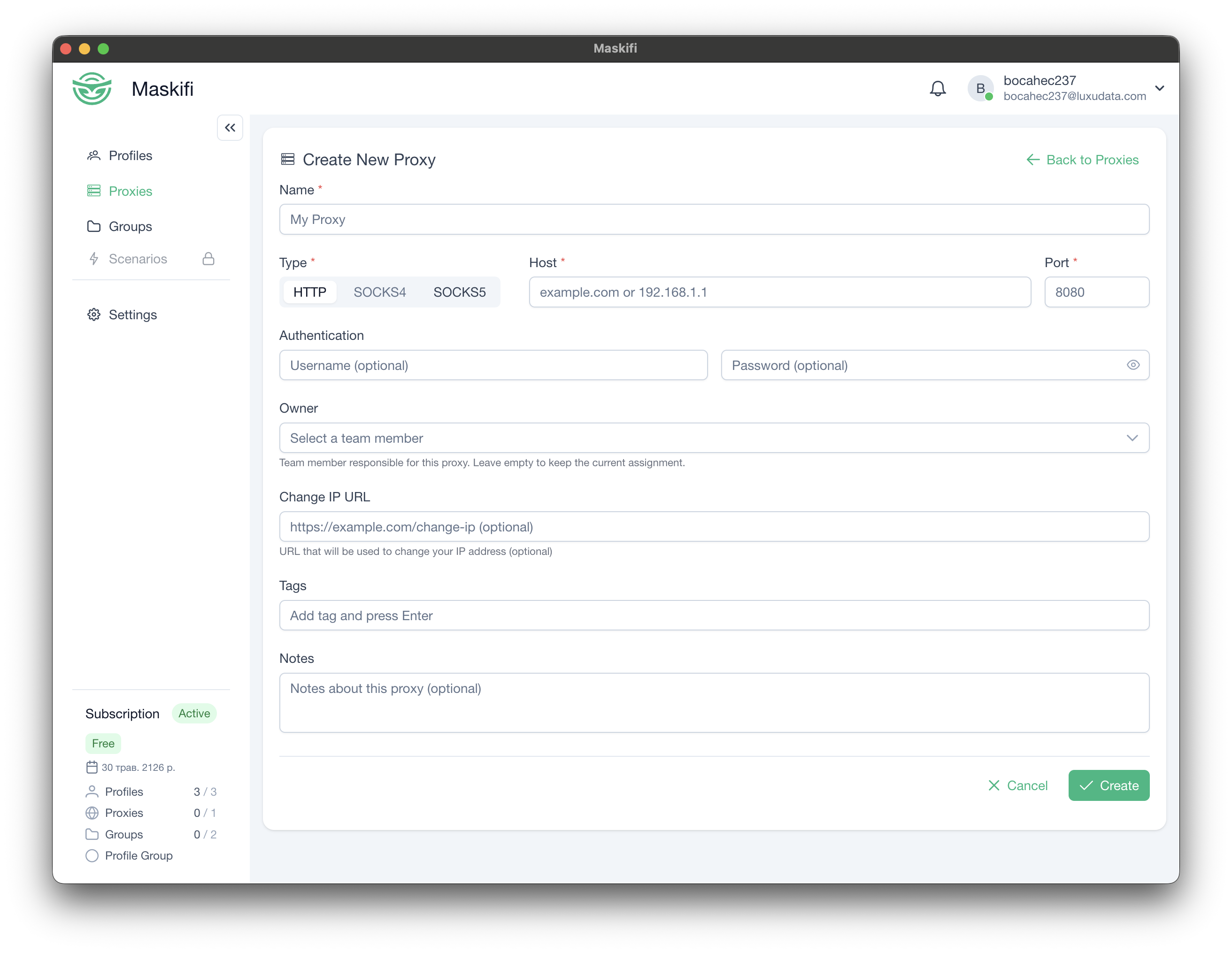
Maskifi supports three proxy protocols, selectable per proxy:
| Protocol | Label in app | Notes |
|---|---|---|
| HTTP | HTTP |
Plain HTTP tunneling. Works with most residential and datacenter providers. |
| SOCKS4 | SOCKS4 |
SOCKS-layer tunneling without authentication support. |
| SOCKS5 | SOCKS5 |
SOCKS-layer tunneling with optional username/password authentication. Recommended for mobile and residential proxies. |
The proxy list
All proxies you have added are shown in Proxies (sidebar). The list displays:
- Name — your label for the proxy, with a color-coded type icon and test-status badge.
- Profiles — number of profiles currently using this proxy.
- Host — the proxy address, clickable to copy.
- Auth — the configured username (click to copy) and a masked password (click to copy).
- Location — populated after you run a test: the external IP and country flag.
You can search, paginate, and bulk-delete proxies from this screen.
Provider integrations
Maskifi works with any proxy provider that offers HTTP, SOCKS4, or SOCKS5 proxies. Enter the host, port, and credentials your provider gives you — no extra plugin or setup is required.
If your provider supports changing the IP via a special URL (common with rotating residential proxies), use the Change IP URL field — see Change IP / rotation.